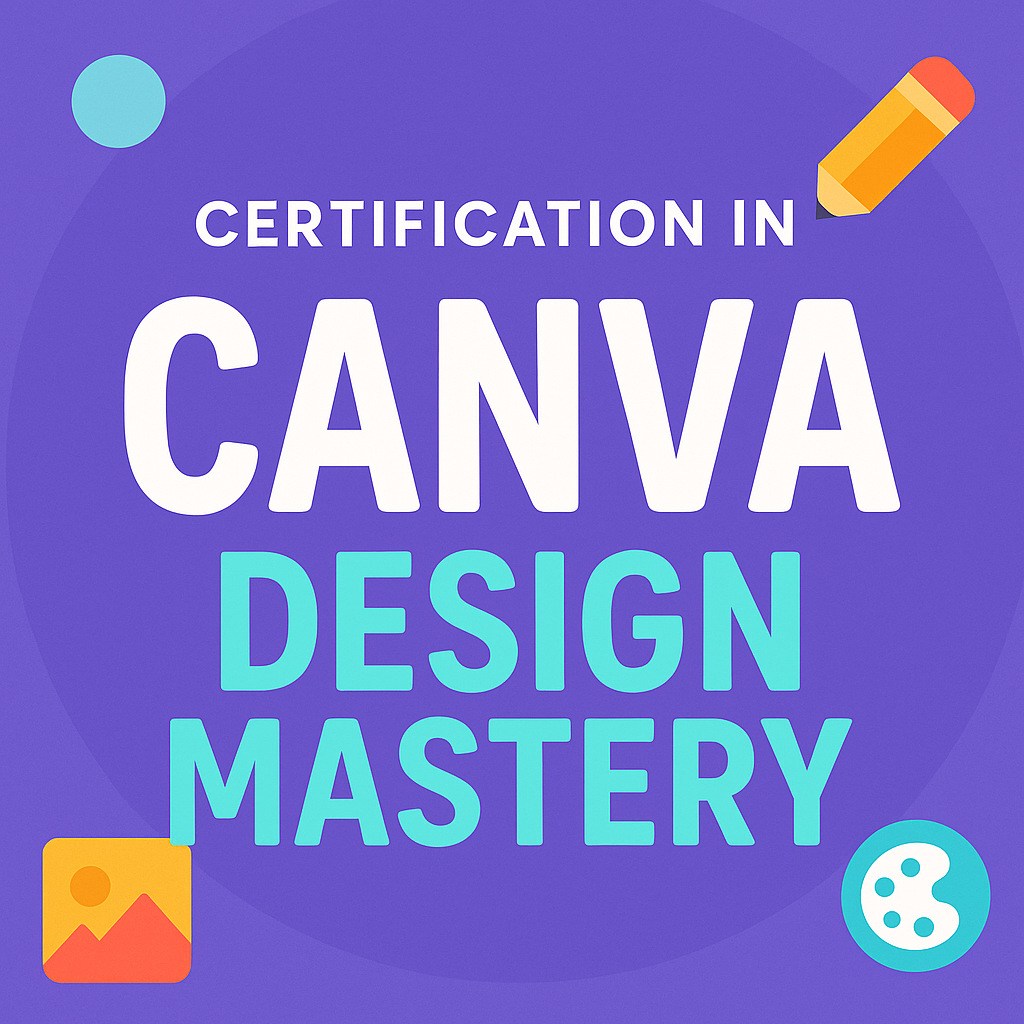
Certification in Canva Design Mastery
 Now @ ₹23,60041% OFF
Online Price 41% Off
MRP: ₹40,000₹23,600All taxes inclusive🎓 Student discount — Click here
- Price is per participant (online mode)
- Corporate / college bulk pricing available
- Contact: learn@opportunitynearme.com
About this Certificate Course: Transform your visual communication with our 32-hour “Canva Design Mastery” course. Learn Canva basics, build custom brand kits, and design polished presentations, infographics, and social media graphics. Hands-on labs guide you through typography, layout, and data visualization, culminating in a capstone branded content pack. Delivered online or offline by seasoned Canva professionals, this beginner-to-intermediate program ensures you develop in-demand graphic design skills—no prior experience needed—and leave with a portfolio of ready-to-use assets.
In the digital age, eye-catching visuals are essential for corporate communications, HR presentations, and marketing collateral. This 32-hour “Canva Design Mastery” course empowers corporate employees…
Read moreUpcoming Training Batches
No scheduled batchesWhat's Included
- Structured Training Modules & Study Materials
- Live Instructor-Led Sessions with Doubt Clearing
- Hands-On Labs, Practice & Real-World Assignments
- Certificate of Participation on Completion
- Recorded Sessions for Flexible Revision
- Lifetime Access to Resource Portal
- Interview Prep & Resume Tips (Add-On)
- Training Coordinator Support (Scheduling & Exams)
- Vendor Exam-Aligned Learning (if applicable)
FAQabout “Certification in Canva Design Mastery”
- What is the total duration of the Canva Design Mastery course?
The course spans 32 hours, divided into 14 hours of theory and 18 hours of hands-on lab sessions. - What design tools and features are covered in the Canva Design Mastery course?
You’ll master typography, layout, color theory, photo effects, grids, frames, and tools like Magic Resize, Brand Kit, and content planner in Canva. - What kind of projects will I complete during the Canva Design Mastery course?
You’ll complete four mini-projects such as employee handbooks, infographics, webinar decks, and social media carousels, along with a final capstone branding pack. - How does the course help in data storytelling and infographics?
You’ll learn how to use Canva’s chart tools and icons to build visually compelling infographics and HR or training dashboards, perfect for presentations. - What are the different learning modes available for this course?
You can choose from live online, classroom training, client-site delivery, or self-paced video lessons, depending on your schedule. - How does Canva compare to traditional design tools for beginners?
Unlike complex tools like Photoshop, Canva has an intuitive interface ideal for beginners. Our course uses hands-on labs to teach real-world use without needing prior experience.